Free Online Spreadsheet Editor
Open and edit XLSX and CSV files in your browser, with formulas, tables, conditional formatting and charts. This is an open-source alternative to Excel that runs on your device: free, no sign-up, and your files are not uploaded.
Prefer an installed app? Download the free desktop app
- Open your browser developer tools and switch to the Network tab
- Open a file in the editor
- Your file never appears as an upload request
Best on a desktop browser. This editor has desktop menus and shortcuts.
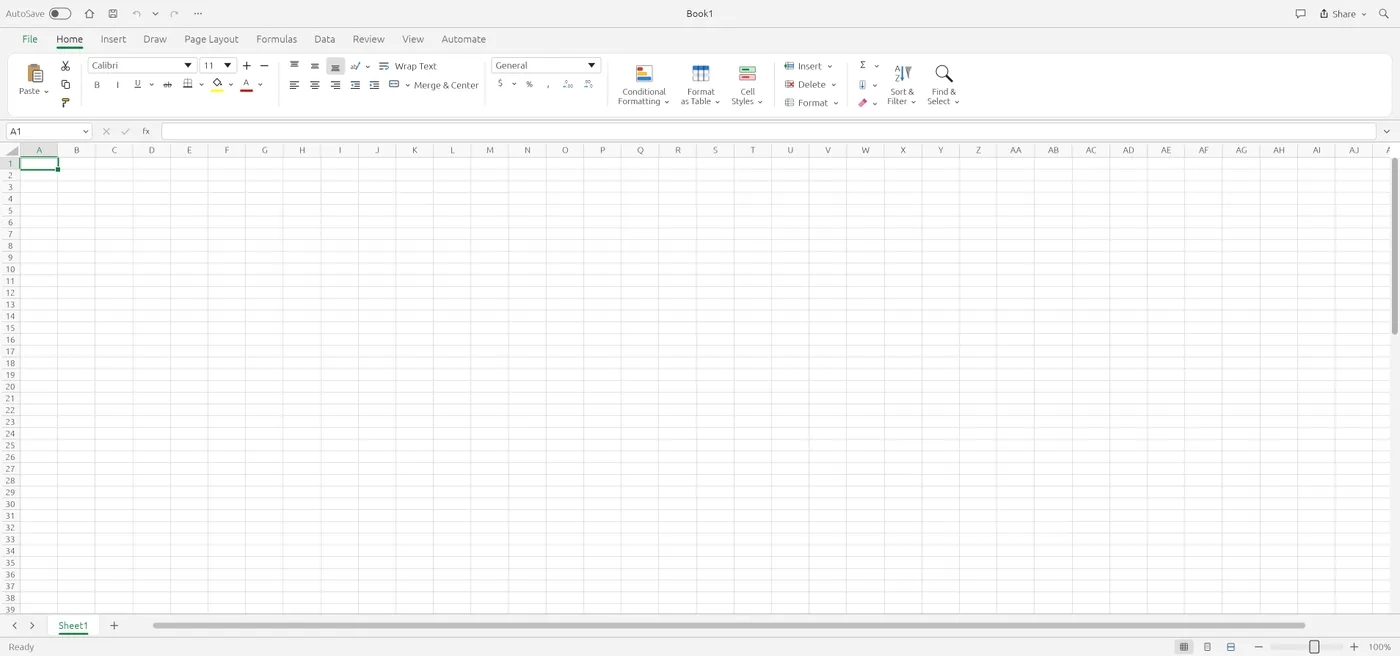
Engine start screen, captured 2026-10-12
Formats it opens
What the engine's own documentation lists. Our own tests are in the compatibility table below.
| Format | Listed by the engine | Tested by us |
|---|---|---|
| .xlsx | XLSX is the native format: styles, formulas, tables, charts and pictures | Not tested yet |
| .csv | CSV and TSV read and write | Not tested yet |
| .xlsb | Worksheet data can be imported, as saved values instead of formulas | Not tested yet |
| .ods | Worksheet data can be imported, as saved values instead of formulas | Not tested yet |
What you can do
- Enter data and formulas, including dynamic arrays
- Format cells, tables and conditional formats
- Sort and filter data
- Build charts, sparklines and PivotTables
- Use Paste Special, Find and Replace and named ranges
- Save back to XLSX, CSV or TSV on your device
Compatibility
tested 2026-10-12 · engine 0.5.0 · chromium 152 desktop · local server
| Check | Result | Notes |
|---|---|---|
| Editor starts | Works | Loaded without problems |
| Type text and numbers, enter a formula | Works | The formula =A2*2 returned the right value |
| Open an .xlsx file | Not tested yet | We have not run an open test for this format yet |
| Save as .xlsx | Not tested yet | We have not run an open test for this format yet |
| Phone screen (390 px wide) | Partial | The sheet shows and scrolls, but the ribbon is cut off |
Known issues
- The editor is built for a desktop keyboard and mouse. A phone can show a sheet but not edit comfortably.
- There is no autosave. Save downloads a file, so save before you close the tab.
- XLSB and ODS files import values only, not formulas.
- Very large workbooks depend on your device memory.
When to keep the original software
Keep using the desktop spreadsheet app for macros (VBA), Power Query, large data models, or workbooks shared with a team that edits them live.
FAQ
Can it open an .xlsx file?
XLSX is the editor's native format. We have not published an open test for specific workbooks yet, so check with your own file.
Does it run macros?
No macro support is listed in the editor's documentation.
Are my spreadsheets uploaded?
No. The editor runs in your browser and the file stays on your device.
Is it a CSV viewer too?
Yes. CSV and TSV open as sheets, and you can save them back out.
Runs the open-source GridCraft engine v0.5.0 (15.8 MiB) · MIT / Apache-2.0 · Last tested 2026-10-12 · source · license