Open .indd files online
An .indd file is an Adobe InDesign document. To open one in your browser, press Open editor on the page layout editor, then press Open on the start screen and pick your file. On 2026-11-03 we opened one real InDesign file in DesignCraft 0.14.0 on anyedit.app: a 1920 x 1600 px one-page presentation, 2.6 MB, from a public GitHub repository under CC0. It opened within about 15 seconds with six picture frames, the text and the colour blocks in place. The editor then showed a Find/Replace Font box: five fonts were missing (Helvetica Neue in five weights), so it drew the text in Source Sans 3 and highlighted it in pink. Layout and line breaks can therefore differ from InDesign. The status bar showed "1 error" and we did not open it. We drew a 163 x 193.5 px rectangle with a 1 pt stroke and the title was marked as edited. File > Export Page as PNG downloaded a 3840 x 3200 PNG (2x) at once; we looked at it and the pictures, logo, text, yellow block and our rectangle were there, without the pink font highlight. The File menu also lists Export PDF, IDML, EPUB, HTML, PowerPoint, XML and Text, but no way to save back to INDD. We did not compare with InDesign and did not test the other exports. Nothing is uploaded and there is no sign-up.
Best on a desktop browser. This editor has desktop menus and shortcuts.
Can I open it?
| Check | Result | Notes |
|---|---|---|
| Listed by the engine | Listed in docs | The DesignCraft README lists "INDD import (through indd-utils)", together with IDML import and export and PNG and PDF export. Import means it reads INDD files; the README does not list INDD as a format it writes. |
| Opened a real INDD file | Works | ghcc0-presentation.indd (GitHub carlosbaraza/web-assembly-logo-presentation, CC0-1.0, 2.6 MB, 1920 x 1600 px, 1 page) opened from the start screen Open button in about 15 seconds. Six picture frames, text and colour blocks were in place. |
| Fonts | Partial | A Find/Replace Font box said "Fonts in Document: 5 Missing: 5" (Helvetica Neue Bold, Light, Light Italic, Medium and Thin). The text was drawn in Source Sans 3 and highlighted in pink, so line breaks and sizes can differ from InDesign. |
| Status bar | Partial | The status bar showed "1 error". We did not open it, so we do not know what it was. |
| Drew a shape | Works | The rectangle tool drew a 163 x 193.5 px rectangle with no fill and a 1 pt stroke. The document title got an asterisk. |
| Exported the page as PNG | Works | File > Export Page as PNG downloaded ghcc0-presentation-p1.png with no dialog. |
| Checked the exported PNG | Works | The file command reported a 3840 x 3200 RGBA 8-bit PNG (2.8 MB, twice the page size). We looked at it: pictures, logo, text (in the replacement font), yellow block and our rectangle outline were there; the pink missing-font highlight was not. |
| Save back as INDD | Not supported | The File menu has Export PDF, IDML, EPUB, EPUB (Fixed Layout), PDF (Interactive), HTML, PowerPoint, XML and Text, but no INDD export. Treat INDD as read-only here. |
| Compared with InDesign | Not tested yet | Not tested yet. We had no InDesign rendering to compare against. |
| Other exports (PDF, IDML, PowerPoint) | Not tested yet | Not tested yet for this file. |
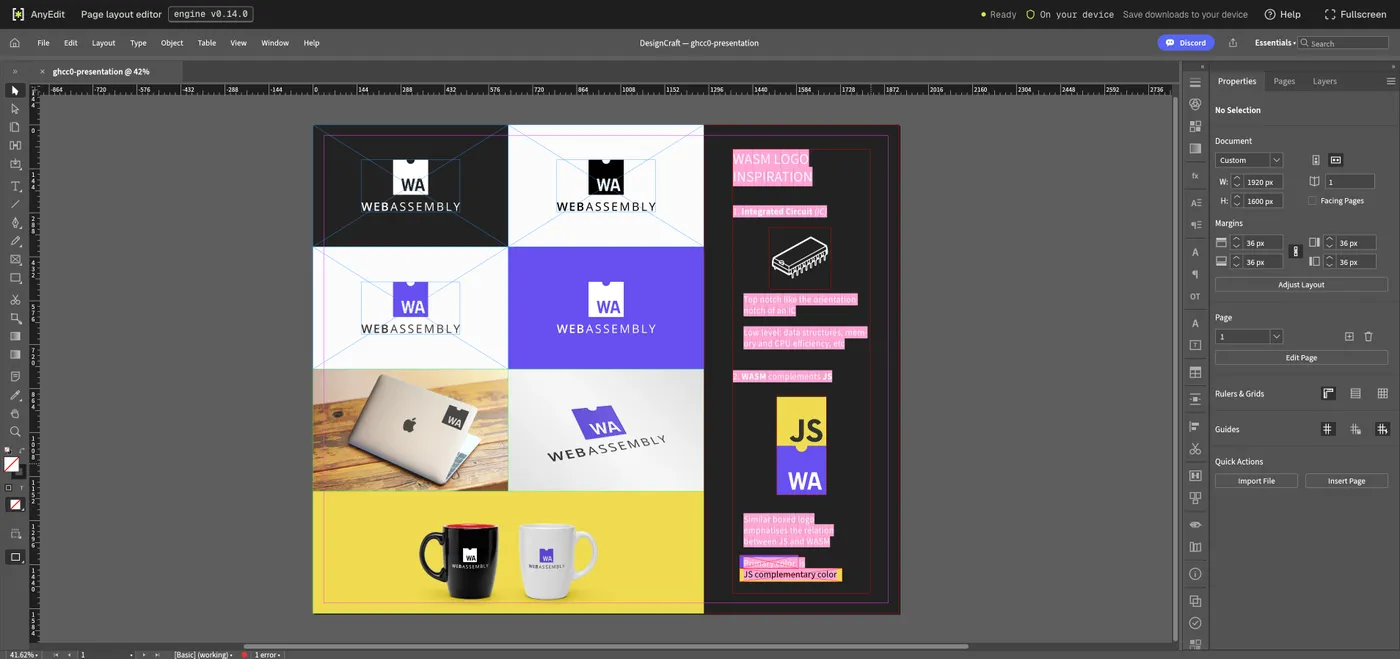
Our test file open in the page layout editor on anyedit.app, 2026-11-03
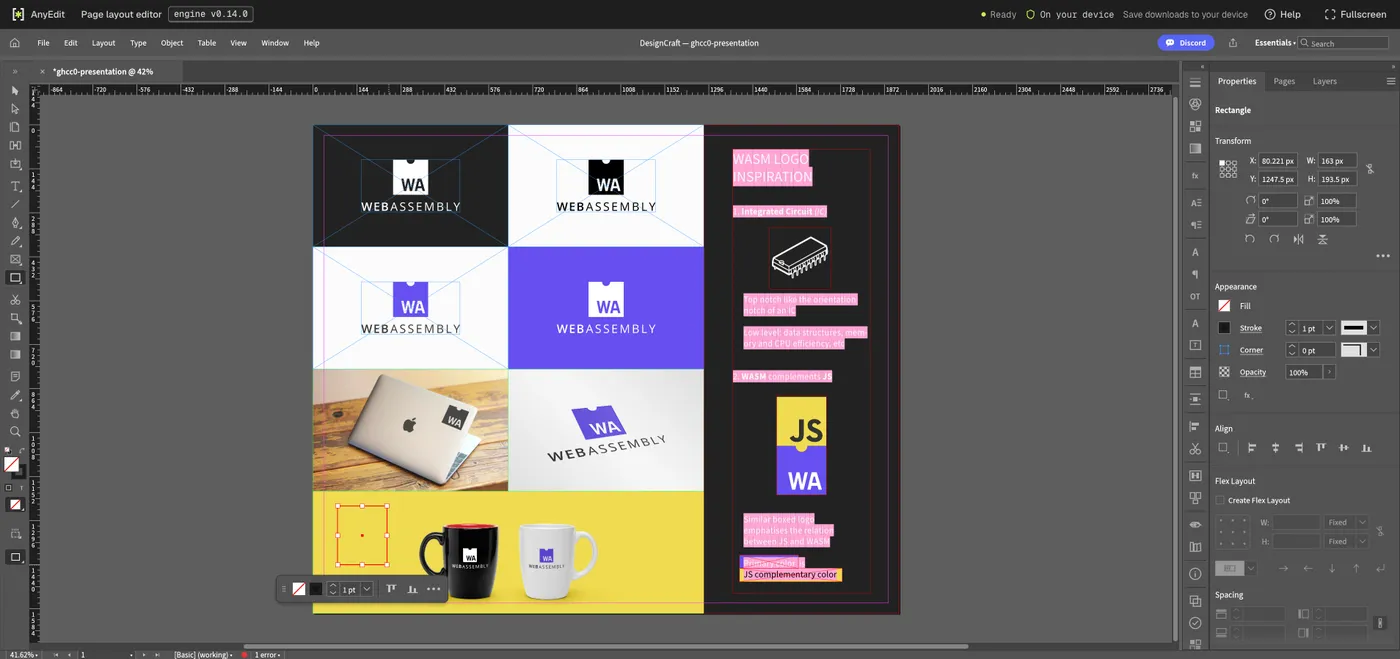
More from the same test, 2026-11-03
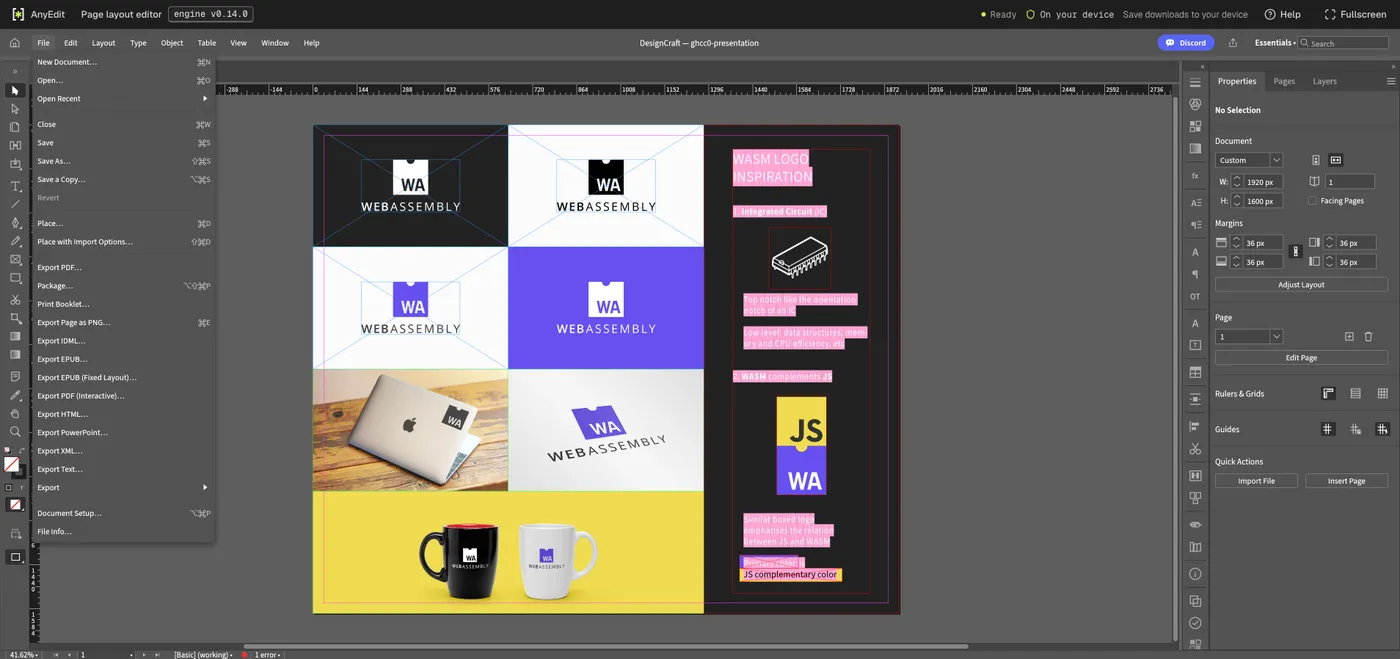
More from the same test, 2026-11-03