Open .avi files online
To open an .avi file in your browser, press Open editor on the video editor and drop the file onto the editor window. It is a video editor, not a plain player: the clip lands in the project panel, you can open it in the Source monitor, and you can cut it on a timeline and export H.264 MP4. On 2026-11-03 we tested two AVI files in FilmCraft 0.14.0 on anyedit.app: a 480x270 H.264 + AAC file from the py-aep project, and a 4 second Motion JPEG + PCM file we made with ffmpeg. Both imported with a thumbnail, and the Info panel read the first one as 30 fps, 480x270, H.264. We made a sequence from the clip, cut it at 5 s (and the other at 2 s), deleted the second half, and exported with the default preset. The exports were H.264 MP4 files: ffprobe read 480x270 at 30 fps with AAC audio for the first, and 640x360 at 24 fps for the MJPEG file, whose audio level matched the source. Output is MP4 only; the editor cannot write an .avi. Caveats: the H.264 sample has a silent audio track, so we could not confirm that AAC inside AVI is decoded. DivX/Xvid and DV AVI are listed as not supported and were not tested, and we did not try files over 1 GB. If you reload the page the project comes back and asks you to relink the media. Nothing is uploaded and there is no sign-up.
Best on a desktop browser. This editor has desktop menus and shortcuts.
Can I open it?
| Check | Result | Notes |
|---|---|---|
| Listed by the engine | Listed in docs | AVI 1.0 and OpenDML (files past 1 GB) are listed for import, with Motion JPEG, H.264, HEVC and uncompressed video plus PCM, MP3, MP2 or AC-3 audio. AAC is not listed for AVI. DivX/Xvid and DV are listed as not yet supported. |
| Opened an .avi file | Works | pyaep-avi.avi (py-aep test file, 742 KB, 480x270, 30 fps, H.264 + AAC, 30 s) and anyedit-sample.avi (our ffmpeg-made 640x360, 24 fps, Motion JPEG + PCM, 4 s) were both dropped onto the editor. Each appeared in the project panel with a thumbnail, and the first loaded in the Source monitor. The Info panel showed 30 fps, 480 x 270, codec H.264 for the first file. |
| Cut on the timeline | Works | We made a sequence from each clip with New Sequence From Clip, cut at 5 s and 2 s with Ctrl+K and deleted the right half. The video and audio parts have to be selected and deleted one at a time; Shift multi-select did not work for us. |
| Exported | Works | The Export page defaulted to H.264 MP4, Match Source. We downloaded Sequence 04.mp4 (695 KB) and Sequence 05.mp4 (340 KB); the exporter writes AAC audio whatever the source. There is no AVI export format. |
| Checked the exported files | Works | ffprobe: the first export is H.264 480x270 at 30 fps, 152 frames, AAC 48 kHz stereo, 5.08 s. The MJPEG export is H.264 640x360 at 24 fps, 48 frames, AAC, 2.0 s, with the same average audio level (-21.1 dB) as the first 2 s of the source. |
| AAC audio inside AVI | Not tested yet | The audio track of the py-aep file is silent (about -91 dB), so we could not tell whether the AAC was really decoded. Only the PCM audio of the MJPEG file was confirmed. |
| DivX, Xvid and DV AVI | Not tested yet | The README lists them as not supported yet. We had no sample file, so we did not test them. |
| Files over 1 GB (OpenDML), real camera or capture AVI | Not tested yet | Not tested for this format. Our two files were small. |
| Phone screen (390 px wide) | Not tested yet | Not tested for this format. |
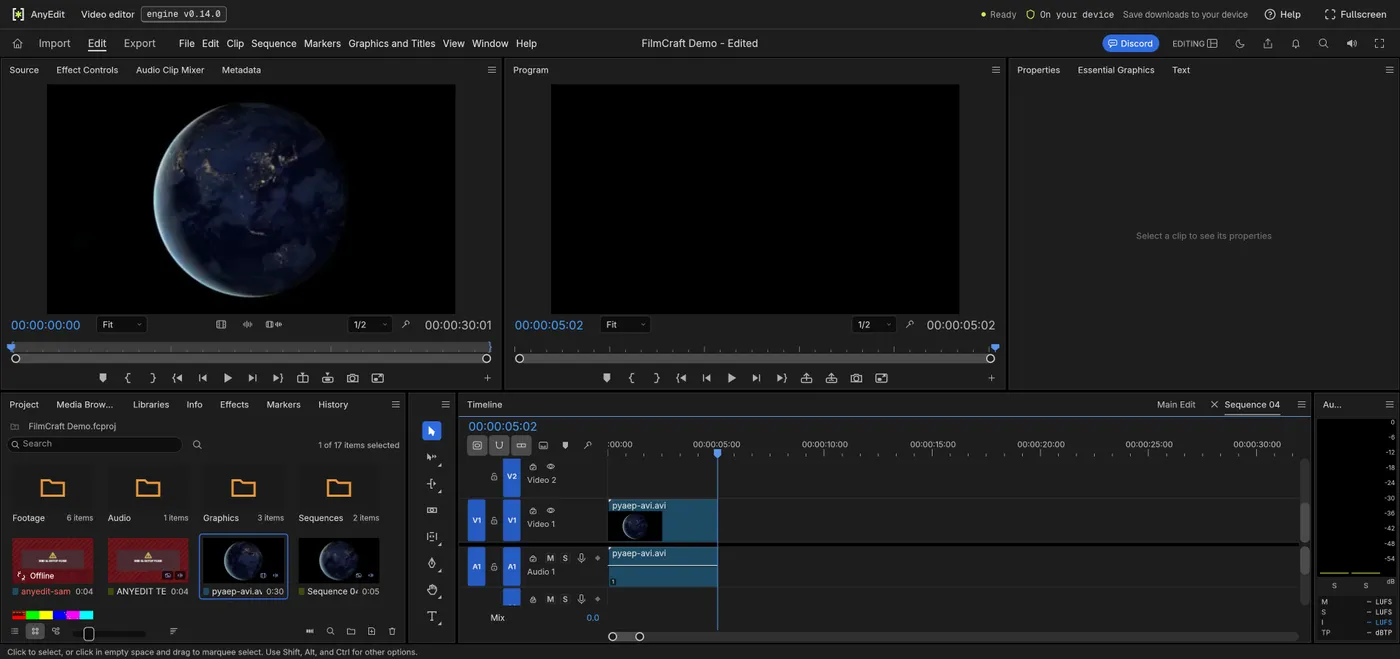
Our test file open in the video editor on anyedit.app, 2026-11-03
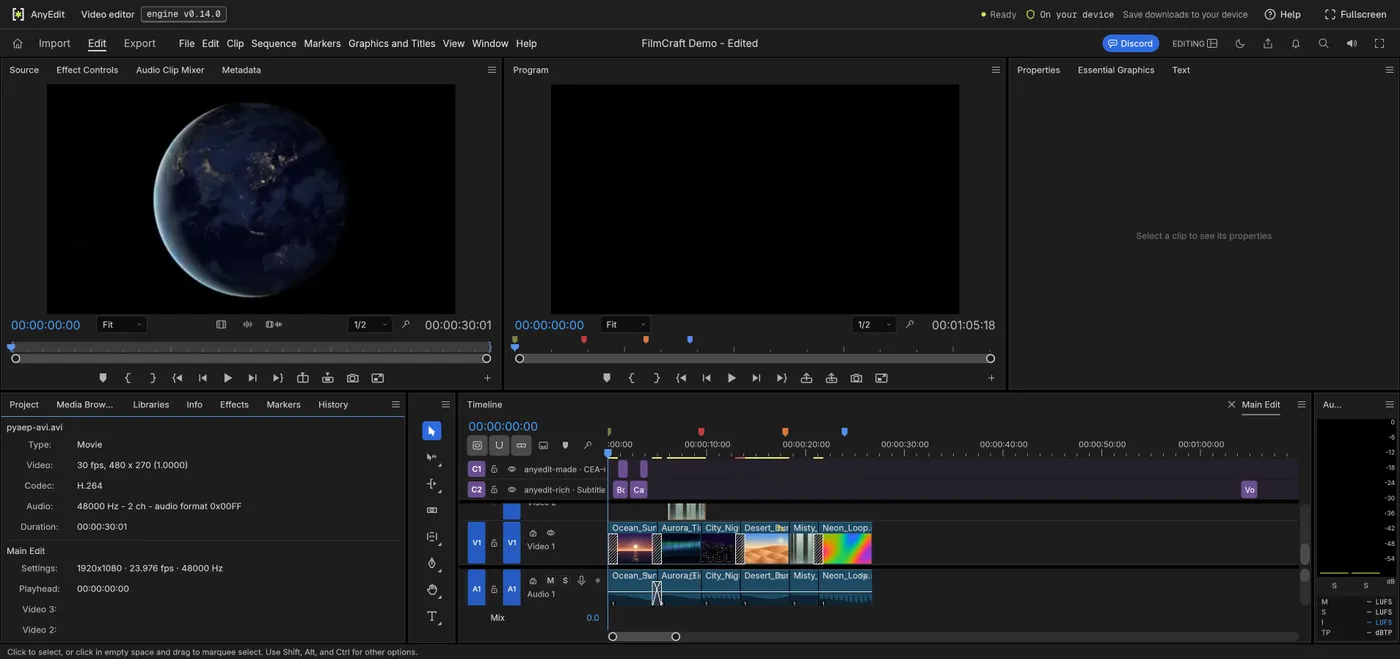
More from the same test, 2026-11-03
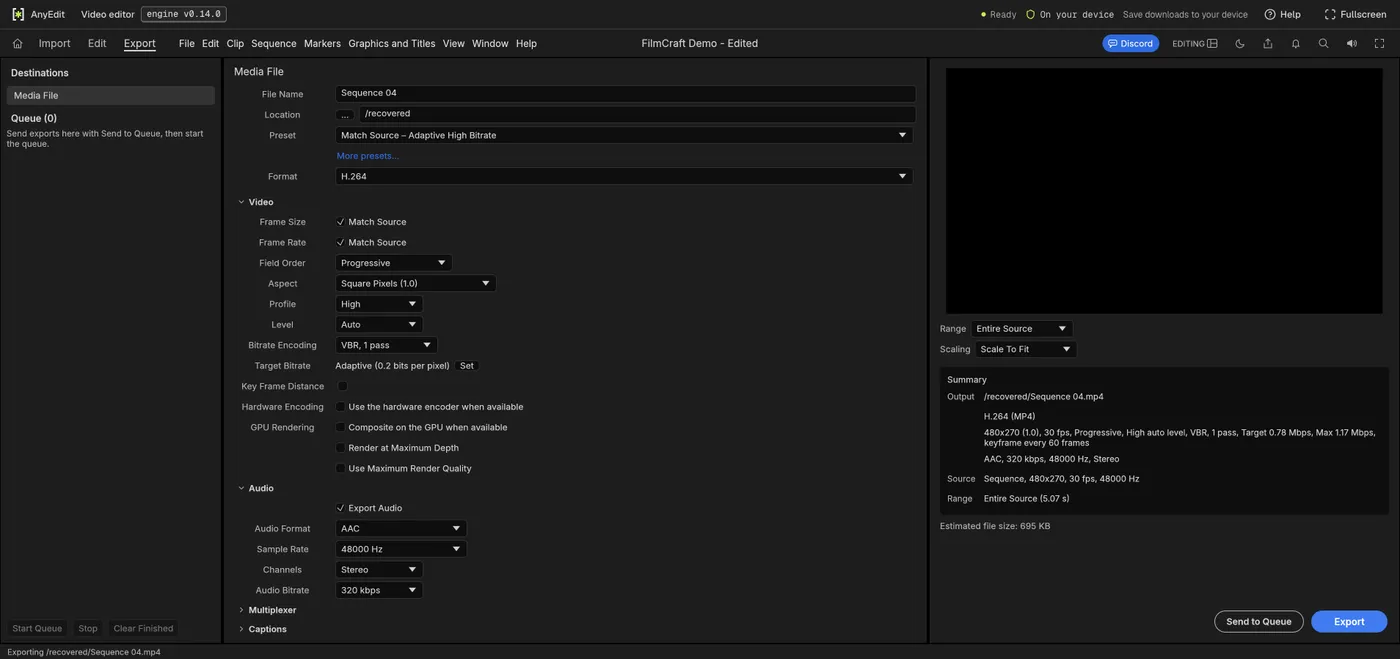
More from the same test, 2026-11-03