Open .hdr files online
An .hdr file here means a Radiance HDR image (RGBE), the high dynamic range format used for sky and lighting maps. To open one in your browser, press Open editor on the photo editor, then choose Open on the start screen or File > Open and pick your file. On 2026-11-03 we tried two files in PhotoCraft 0.17.0 on anyedit.app. A 1024 x 512 sky map from Poly Haven whose header reads #?RADIANCE opened as one Background layer, RGB/32, with the sky and the sun in the right places. A second, valid Radiance file whose header reads #?RGBE was refused with the error "Radiance HDR signature not found". In 0.17.0 that is a bug in the editor, because #?RGBE is a legal Radiance header, and it means some real-world .hdr files will not open. We painted a black stroke on the first file: the Background layer shows a lock icon but still accepted the paint. Quick Export as PNG downloaded a 16-bit PNG, and the editor warned that 32-bit float is reduced to 16-bit and that HDR values outside 0 to 1 are clipped. We checked the PNG against our own decoder of the .hdr: outside the stroke it equals the linear values clipped to 0 to 1, and the 1.3% of pixels brighter than 1 (up to 42240) became plain white. So the export is a clipped, flat copy of the picture, not an HDR file. The only export we ran was PNG; we did not test writing an .hdr, so do not count on it. Nothing is uploaded and there is no sign-up.
Best on a desktop browser. This editor has desktop menus and shortcuts.
Can I open it?
| Check | Result | Notes |
|---|---|---|
| Listed by the engine | Listed in docs | The photo editor README lists Radiance HDR among the flat formats it opens and keeps 32-bit float samples for flat formats that support them; it does not name the .hdr extension or say whether Radiance HDR can be written. Export to formats that cannot hold the depth shows a warning. |
| Opened an .hdr with a #?RADIANCE header | Works | polyhaven-1k.hdr (a Poly Haven sky map, 1024 x 512, 1.4 MB) opened from the start screen Open button as one Background layer. The title showed RGB/32, the canvas was 1024 px x 512 px and the sky and sun looked right. |
| Opened an .hdr with a #?RGBE header | Not supported | A second file, pyaep-hdr.hdr (912 KB), was rejected with "Couldn't open pyaep-hdr.hdr: codec: Hdr: malformed data: Format error decoding Hdr: Radiance HDR signature not found". Its header is #?RGBE, a valid Radiance header, so this is a defect in the editor. |
| Painted on it | Works | We painted a black brush stroke on the Background layer. The layer shows a lock icon but the stroke was drawn, and the title was marked as edited. |
| Exported as PNG | Partial | File > Export > Quick Export as PNG downloaded hdr-polyhaven-1k.png (849 KB). Two warnings appeared: "32-bit float will be reduced to 16-bit" and "HDR values outside 0..1 will be clipped". |
| Checked the exported PNG | Partial | We decoded the .hdr ourselves and compared it with the 16-bit PNG: outside the stroke the PNG equals the linear value clipped to 0..1 (mean absolute difference 2e-6), not an sRGB-encoded copy. About 1.3% of the pixels were above 1 (the largest 42240) and became white, so bright areas such as the sun are likely to lose detail. |
| Saved as .hdr | Not tested yet | Not tested. We only ran PNG export, so we do not know whether the editor can write a Radiance .hdr. |
| Large or other .hdr files, phone screen (390 px wide) | Not tested yet | Not tested. Our files were 1.4 MB and 0.9 MB, and we did not try the phone layout. |
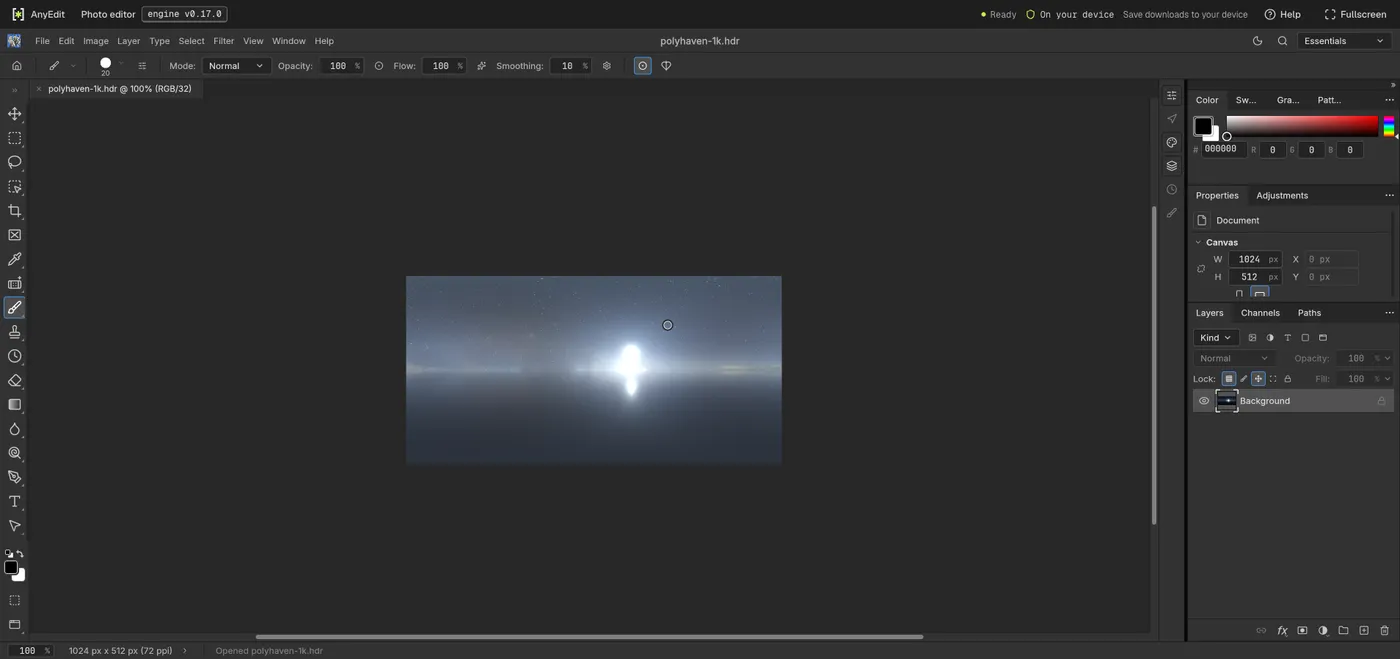
Our test file open in the photo editor on anyedit.app, 2026-11-03
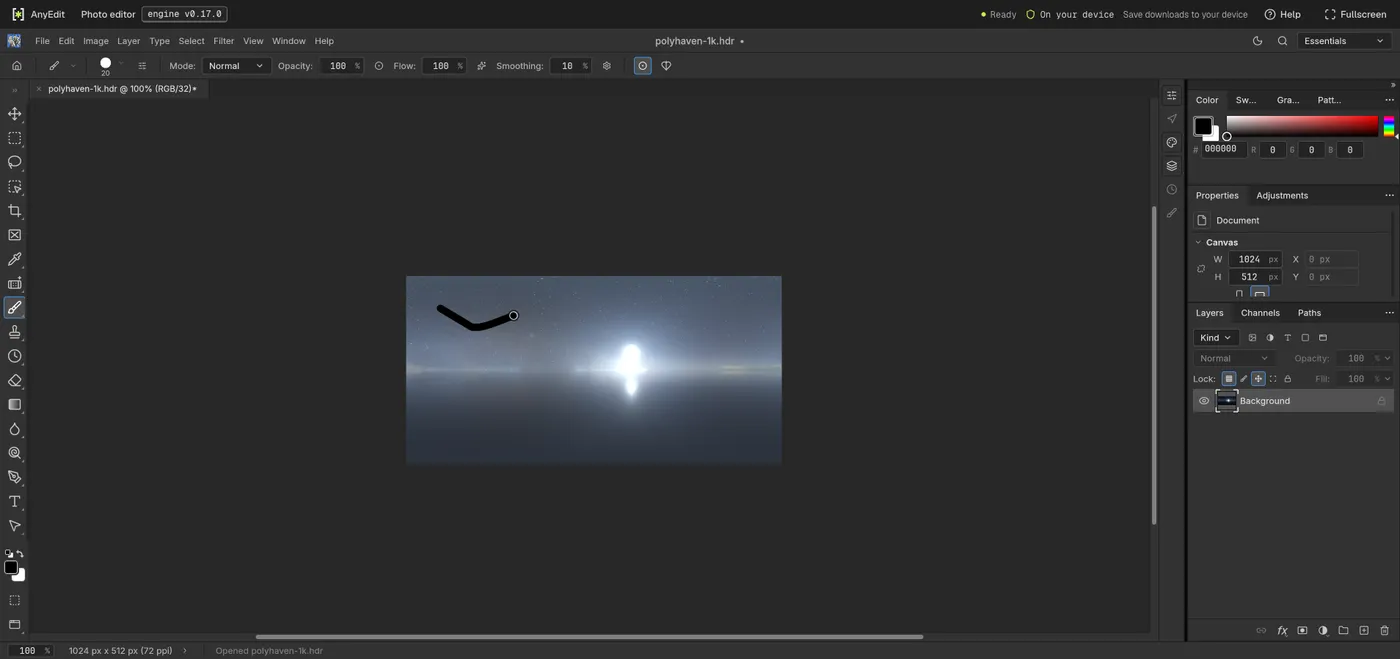
More from the same test, 2026-11-03
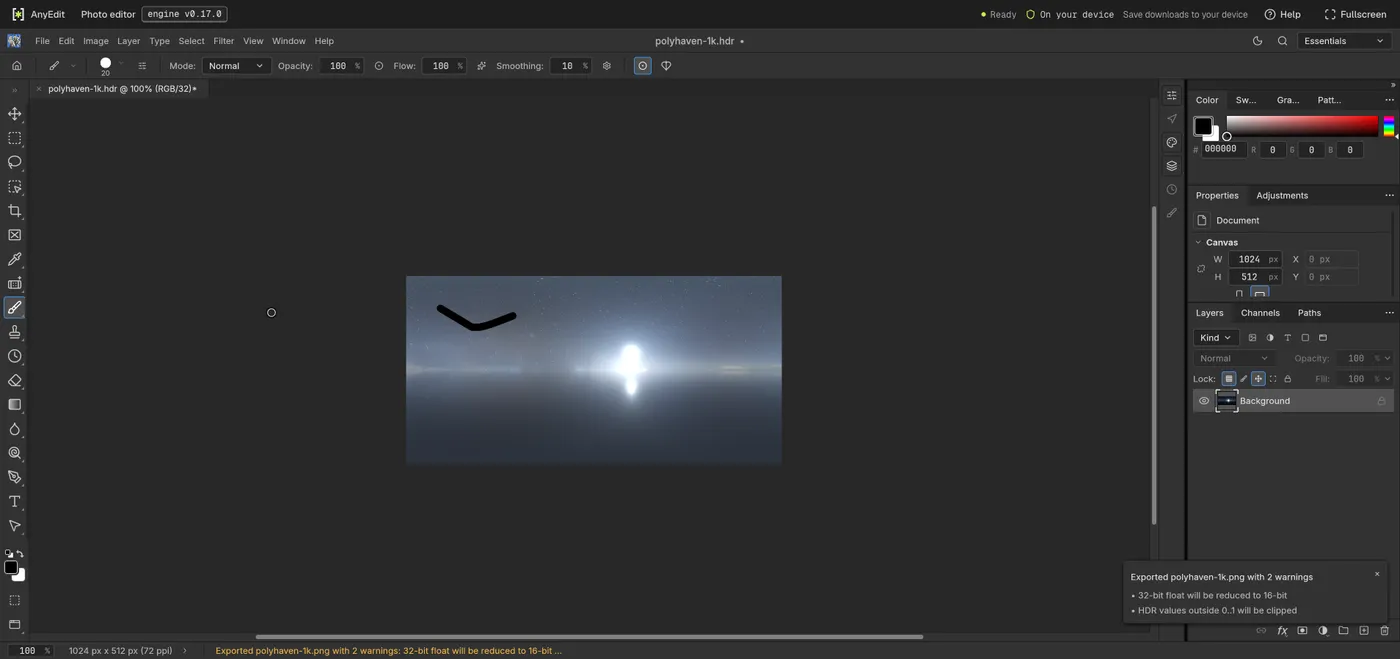
More from the same test, 2026-11-03