Open .ts files online
A .ts file here means an MPEG transport stream, a video format used by broadcast TV, AVCHD cameras and HLS streaming, not a TypeScript source file. To open one in your browser, press Open editor on the video editor and drop the file onto the editor window. It is a video editor, not a plain player: the clip lands in the project panel, you can make a sequence from it, cut it and export H.264 MP4. On 2026-11-03 we tested one TS file in FilmCraft 0.14.0 on anyedit.app: a 4 second, 640x360, 24 fps H.264 + AAC stream we made with ffmpeg. It imported with a thumbnail and a 0:04 length. We used New Sequence From Clip, cut at 2 seconds, deleted the right half and exported with the default preset. The export was an H.264 MP4: ffprobe read 640x360 at 24 fps, 48 frames, with AAC audio at the same average level as the source. Output is MP4 only; the editor cannot write a .ts. Caveat: our file was made with ffmpeg, so we did not test a real broadcast or camera capture with several programs, DVB subtitles or broken timestamps. Nothing is uploaded and there is no sign-up.
Best on a desktop browser. This editor has desktop menus and shortcuts.
Can I open it?
| Check | Result | Notes |
|---|---|---|
| Listed by the engine | Listed in docs | The video editor README lists MPEG transport and program streams (AVCHD, broadcast, DVD) among the formats it imports. It does not name the .ts extension. |
| Opened a .ts file | Works | anyedit-sample.ts (our ffmpeg-made MPEG-TS, H.264 640x360 at 24 fps plus mono AAC at 44.1 kHz, 4 s, 451 KB) was dropped onto the editor. It appeared in the project panel with a colour-bar thumbnail and a 0:04 length. |
| Cut on the timeline | Works | We made a sequence with New Sequence From Clip, cut at 2:00 and deleted the right half, so the sequence was 2 seconds long. |
| Exported | Works | The Export page defaulted to H.264 MP4 with Match Source and AAC audio. We downloaded Sequence 06.mp4 (347 KB). There is no .ts export format. |
| Checked the exported file | Works | ffprobe: H.264 640x360 at 24 fps, 48 frames, AAC 48 kHz stereo, 2.0 s. The average audio level (-21.1 dB) matched the source, and a frame compared at 1 s was close to the source frame. |
| Real broadcast or camera TS (several programs, DVB subtitles, timestamp breaks) | Not tested yet | We had no real capture and only tried our own small file. |
| Phone screen (390 px wide) | Not tested yet | Not tested for this format. |
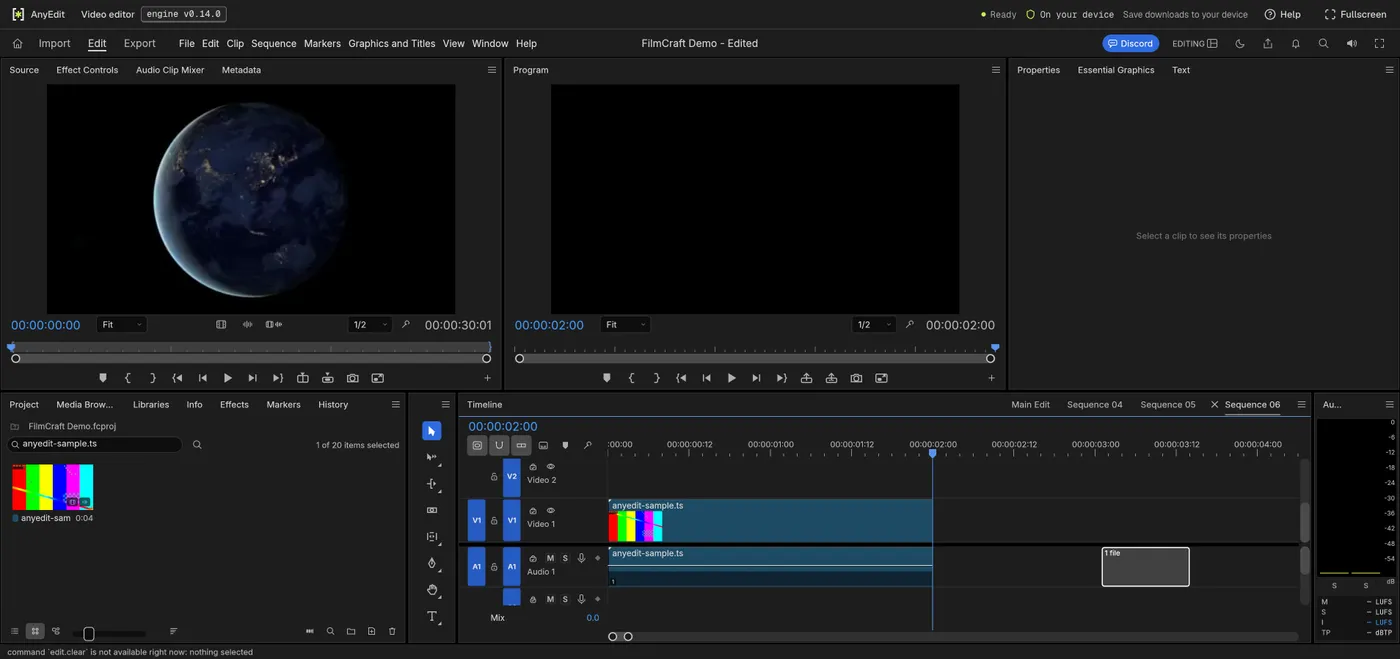
Our test file open in the video editor on anyedit.app, 2026-11-03
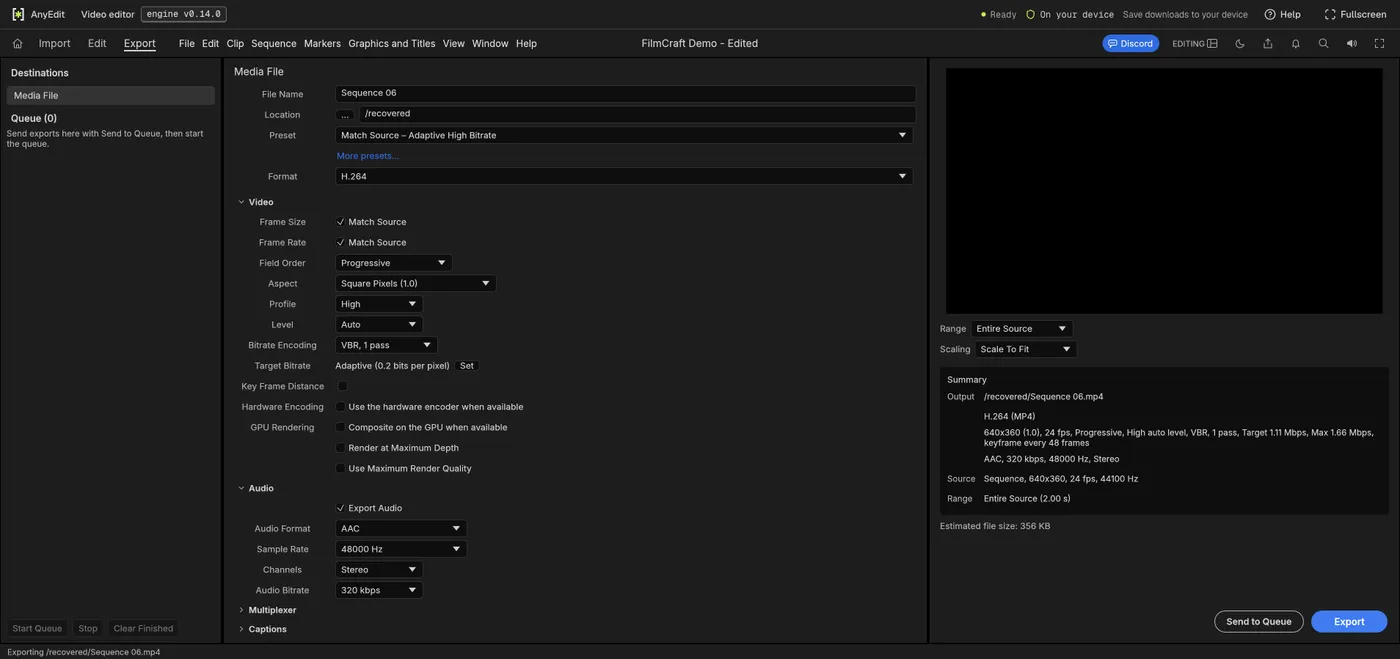
More from the same test, 2026-11-03